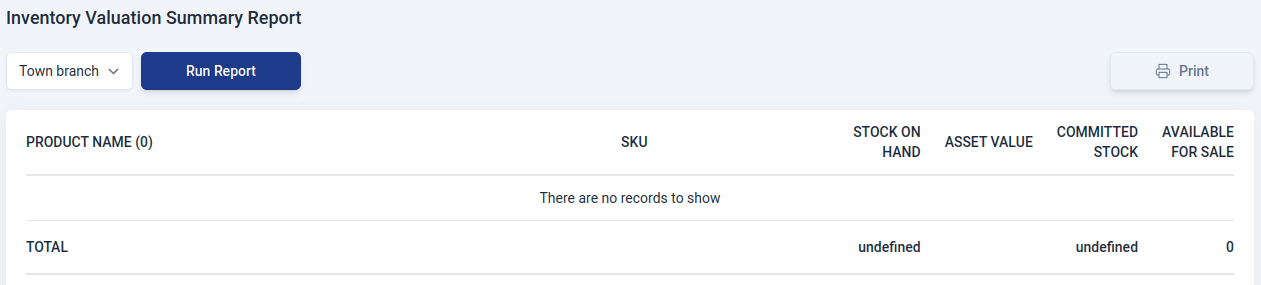
Appearance
Inventory Reports
Go to the Reports module
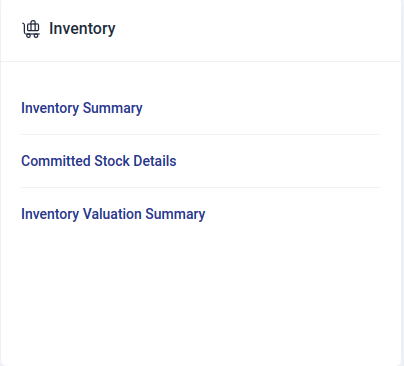
Generating Report
To generate a customized report in the inventory section:
Select the report type to go to the report view page..
Choose the branch for the report.
Set the time period using the date picker and click 'Select.
Click 'Run Report' to generate it.
Use the print feature to print the report.
The type of reports that can be generated in inventory include:
Inventory Summary Report
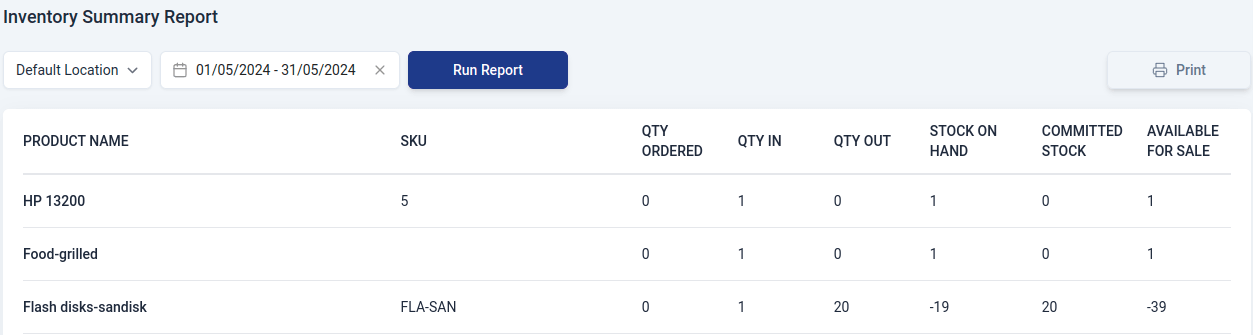
This report provides a concise overview of how items move in and out of your organization, detailing their quantities. It includes information on the current stock on hand, items committed for specific purposes, and those available for sale.
The report includes:
- Product name
Name of the item.
- SKU
Stock keeping unit of the item.
- Qty ordered
Quantity of the item ordered from the vendor.
- Qty in
Amount of items are coming into your organization through purchases or sales transactions.
- Qty out
number of items leaving your organization as a result of recorded sales transactions in Upscale ERP.
- Stock on hand
Number of stock items available for sale.
- Committed stock
Quantity of items you've promised to sell to your customers through sales orders in Upscale ERP.
- Available for sale
Overall quantity of a product that is currently ready and available for purchase by your customers.
Committed Stock Details Report
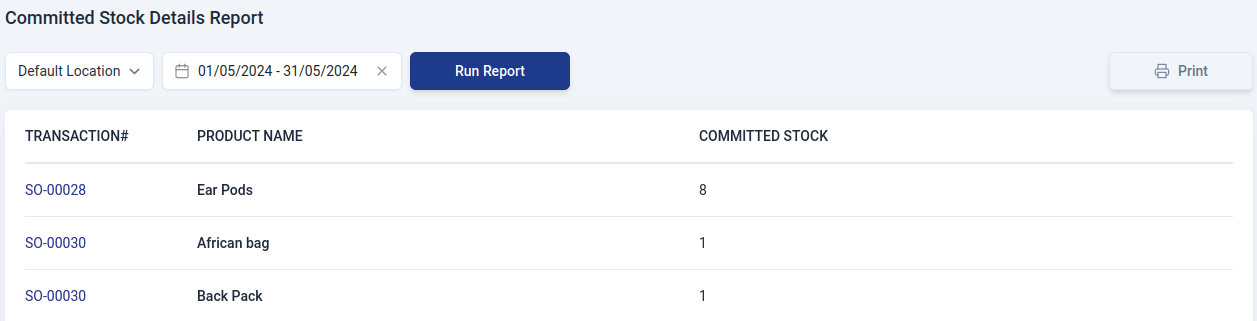
A report that gives comprehensive details about the stock that has been committed for a number of uses, including completing sales orders and satisfying particular client requests. This report contains:
- Transaction#
Document number.
- Product Name
Name of the item.
- Committed Stock
Quantity of items you've promised to sell to your customers through sales orders in Upscale ERP.
Inventory Valuation Summary Report
This report provides a concise summary of the total value of all items in your organization's stock.It contains:
- Product Name
Name of the item.
- SKU
Stock keeping unit of the item.
- Stock on hand
Number of stock items available for sale.
- Asset value
The total worth of the stock for a specific item in your company.
- Committed stock
Quantity of items you've promised to sell to your customers through sales orders in Upscale ERP.
- Available for sale
Overall quantity of a product that is currently ready and available for purchase by your customers.